


Categories
- News (236)
- Support (262)
- OEM & ODM (10)
- Drivers & Tools (10)
- Instructions (29)
- Troubleshooting (44)
- Knowledge (97)
- Maintainance (8)
- Blog (90)
The touch screen display is one of the important peripherals of the POS terminal. Cleaning the display panel is essential for its normal operation. Regular cleaning not only maintains the touch screen display performance but also creates a clean visual environment for customers to ensure that they can clearly see the sales data displayed on the touch screen display.
Follow these simple steps when cleaning the touch screen display:
1. Turn off the power of the device first to better protect the device and clearly see the fingerprints on the screen.
2. Prepare cleaning tools such as a microfiber cloth, distilled water, and white vinegar or a mild cleaning solution.
3. Mix equal amounts of distilled water and white vinegar, and avoid using ammonia-containing cleaners.
4. Lightly wet the microfiber cloth with the solution, but do not immerse it completely in the solution, just keep it slightly wet.
5. Starting from the top, gently clean the screen of touch screen display in a circular motion. After cleaning the screen, you can also wipe the edges and frame of the touch screen display.
6. If necessary, wipe the screen with a clean and dry microfiber cloth. To keep the touch screen display clean, wipe the touch screen display with a dry cloth every day to prevent dust accumulation.
Sunany once again reminds everyone not to spray the cleaning solution directly on the screen to prevent it from penetrating into the touch screen display and causing damage. At the same time, do not use paper towels to wipe to prevent scratching the screen surface of the touch screen display.
 DDR4 vs. DDR5 for POS Software: Which Is the Better Choice?
 Before a POS SSD Replacement, Prepare the Software Restore
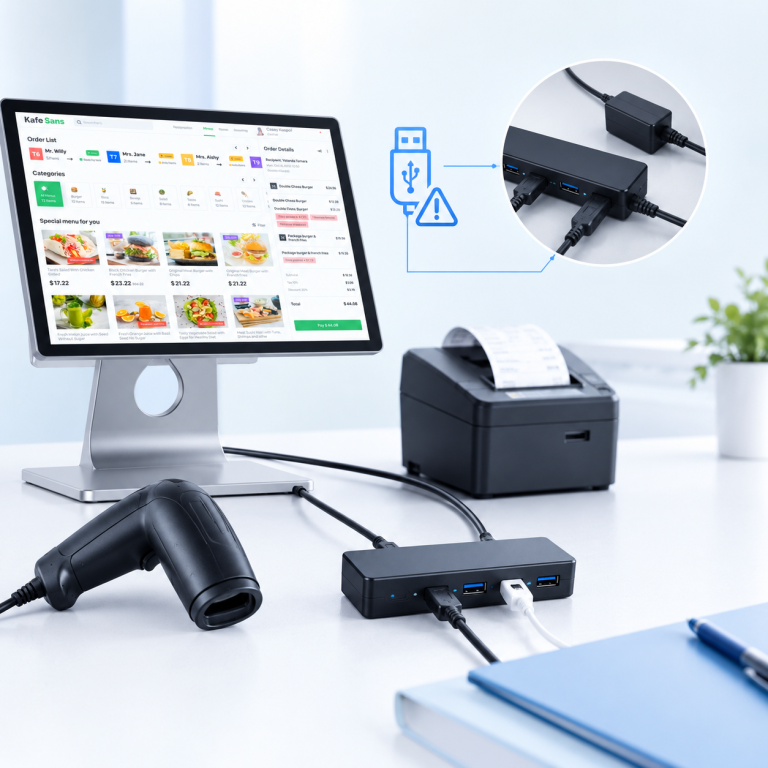 A Simple USB Hub Test for POS Device Disconnections
 Why Is Your POS Cash Drawer Not Opening
 Why Is a Thermal Receipt Printer Printing Blank Receipts