


Categories
- News (236)
- Support (262)
- OEM & ODM (10)
- Drivers & Tools (10)
- Instructions (29)
- Troubleshooting (44)
- Knowledge (97)
- Maintainance (8)
- Blog (90)
POS hardware play a crucial role in industries like retail and hospitality, delivering efficient and dependable service. However, encountering boot failure issues can be a major headache that disrupts your business operations. Sunany engineers have compiled below handy troubleshooting tips to help you get your Windows POS hardware up and running smoothly again.
Check for operating system Issues:
Begin by restarting the Windows POS hardware to rule out any temporary glitches.
Repair Boot with Operating System Installation Media (CD/USB):
If the issue persists after a reboot, you can attempt to repair the boot process using your operating system’s installation media (CD/DVD or USB drive).
a. Insert the operating system installation CD/DVD or USB drive.
b. Boot the Windows POS hardware from the installation media. You may need to adjust the boot order in the BIOS/UEFI settings to prioritize the CD/DVD drive or USB drive.
c. Select the “Repair your computer” or “Troubleshoot” option (the wording may vary depending on the OS version).
d. Follow the on-screen instructions to repair the startup process. This might involve using the “Startup Repair” or “Automatic Repair” feature, depending on your operating system.
Check for SSD Issues:
If the boot repair process does not resolve the issue, the problem might be related to the SSD. Here’s what you can do:
a. Boot the computer from a bootable diagnostic tool or live USB (e.g., Hiren’s BootCD, Ultimate Boot CD, or a similar tool).
b. Use the diagnostic tool to test the health of your SSD. Look for any errors or bad sectors on the drive.
c. If the diagnostic tool identifies issues with the SSD, it may be necessary to replace the SSD with a new one.
d. After replacing the SSD, you can reinstall the operating system and restore your data from backups if available.
In case you come across any uncertainties or run into difficulties while following these steps, it’s always a good idea to reach out to your Windows POS hardware supplier for expert assistance. And don’t forget, the Sunany support team is also here to lend a helping hand, offering comprehensive support and guidance.
 DDR4 vs. DDR5 for POS Software: Which Is the Better Choice?
 Before a POS SSD Replacement, Prepare the Software Restore
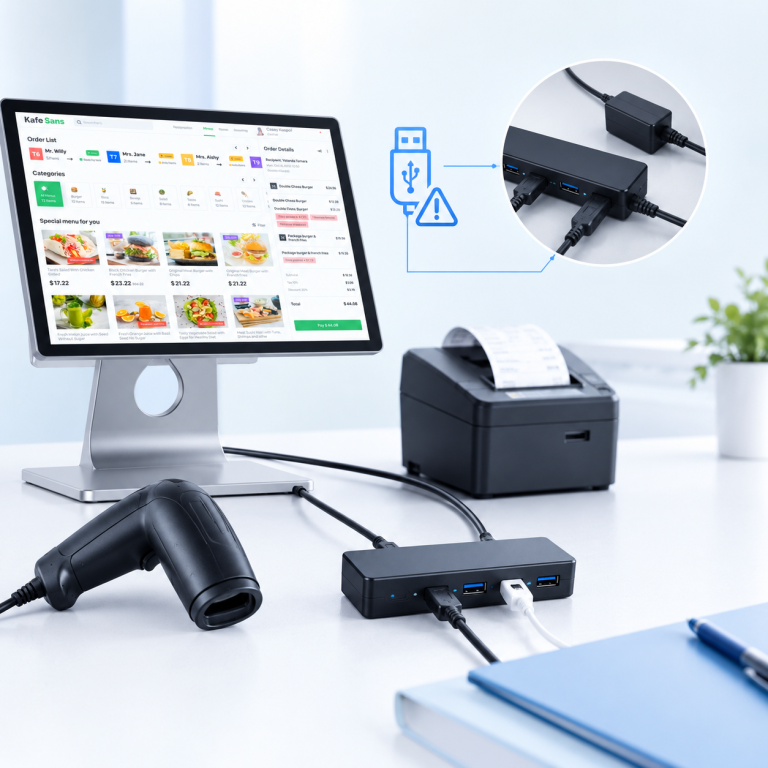 A Simple USB Hub Test for POS Device Disconnections
 Why Is Your POS Cash Drawer Not Opening
 Why Is a Thermal Receipt Printer Printing Blank Receipts