


Categories
- News (236)
- Support (262)
- OEM & ODM (10)
- Drivers & Tools (10)
- Instructions (29)
- Troubleshooting (44)
- Knowledge (97)
- Maintainance (8)
- Blog (90)
Some of Sunany’s customers have reported cases where activation expired on certain POS devices that were previously activated for Windows, a problem that could stem from unstable Microsoft servers, hardware modifications, or inconsistent network connectivity. Fortunately, there are several solutions to this problem:
1. Contact the vendor or manufacturer of the POS device if activation expires. Explain the activation issue and provide detailed information about the device. They will provide a new valid product key or an alternative solution to correct the problem.
2. After confirming the legitimacy of the POS device, try to reactivate Windows. Navigate to Settings > Update & Security > Activation, then select “Change product key” and enter the correct key provided by the vendor.
3. Ensure the POS device is connected to a stable internet connection. If the device is not connected to the internet, or the connection is unstable, activation may fail. Check the network connection, ensure the POS device is connected to a reliable network, and proceed with reactivating Windows.
4. Reactivating Windows may require reinstalling the operating system, potentially resulting in data loss. Before implementing any solution, it is imperative to back up all important data stored on the POS device.
5. To prevent similar issues in the future, Sunany recommends regularly checking the status of your Windows license and updating it promptly. Ensure that Windows system and other software on the POS device are up to date, and the license is valid to minimize the risk of activation issues.
If the Windows license has expired and cannot be activated, consider purchasing a new Windows license. Sunany customers can choose to purchase a Windows license directly from Sunany. We will assist in activating Windows before the POS device leaves the factory. Alternatively, clients can also purchase a license from their local Microsoft provider.
 DDR4 vs. DDR5 for POS Software: Which Is the Better Choice?
 Before a POS SSD Replacement, Prepare the Software Restore
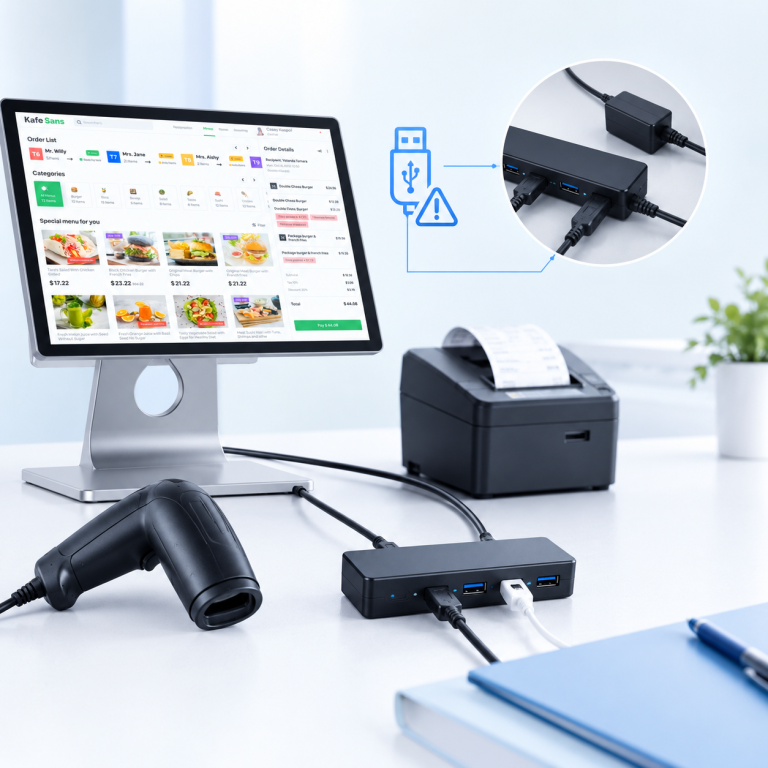 A Simple USB Hub Test for POS Device Disconnections
 Why Is Your POS Cash Drawer Not Opening
 Why Is a Thermal Receipt Printer Printing Blank Receipts