


Categories
- News (236)
- Support (262)
- OEM & ODM (10)
- Drivers & Tools (10)
- Instructions (29)
- Troubleshooting (44)
- Knowledge (97)
- Maintainance (8)
- Blog (90)
If a thermal receipt printer starts printing blank receipts after a paper roll change, check the paper first. The roll may be installed in the wrong direction, or the paper may not be compatible with the printer. These checks are especially useful when troubleshooting a EPOS Cash Register, as the problem may be related to the paper rather than the software or hardware.
Make sure the paper roll matches the type and size specified for the printer. Thermal printers use heat-sensitive paper to produce text and images.
To identify the coated side, lightly scratch the paper with a fingernail. A dark mark usually indicates the heat-sensitive side. If you are unsure, check the paper manufacturer’s instructions or try another roll of compatible thermal paper.
Thermal paper must be loaded with its heat-sensitive side facing the print head. If the roll is installed backward, the printer may feed the paper normally but produce blank receipts.
Remove the roll and reload it according to the diagram inside the printer cover. Since the correct orientation varies by model, refer to the user manual if the loading direction is unclear.
If the paper is loaded correctly but the printer still produces blank receipts, try a new roll that meets the printer’s specifications.
If the new roll prints correctly, the original paper may have been unsuitable or defective. If the problem persists, run the printer’s built-in self-test, following the instructions in the user manual.
Many thermal receipt printers have a built-in self-test that prints sample text without relying on a EPOS application. Follow the instructions in the printer’s manual to run this test.
If the self-test prints clearly, check the application, print settings, and connection. For a EPOS Cash Register, this can help determine whether the issue lies in the software or the way print jobs are sent to the printer.
If the self-test also produces blank receipts, the problem may involve the paper, print head, or another printer component. Further troubleshooting may be necessary to identify the exact cause.
If these checks do not resolve the issue, prepare the printer model and a brief description of the troubleshooting steps you have tried before contacting technical support.
For businesses using a Sunany EPOS terminal as part of a EPOS Cash Register setup, this information can help the support team narrow down the possible causes and recommend the next steps.
 DDR4 vs. DDR5 for POS Software: Which Is the Better Choice?
 Before a POS SSD Replacement, Prepare the Software Restore
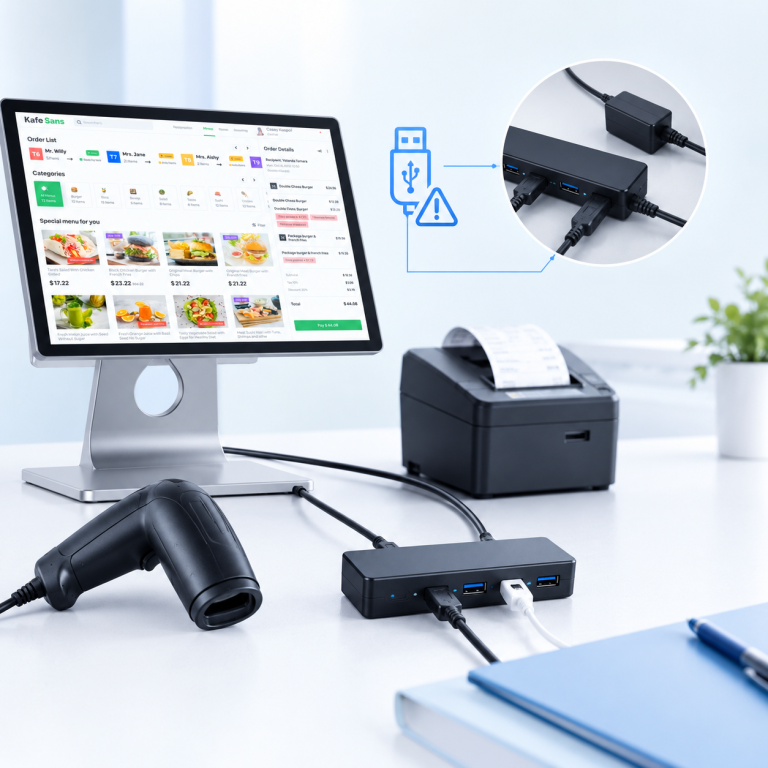 A Simple USB Hub Test for POS Device Disconnections
 Why Is Your POS Cash Drawer Not Opening
 Why Is a Thermal Receipt Printer Printing Blank Receipts